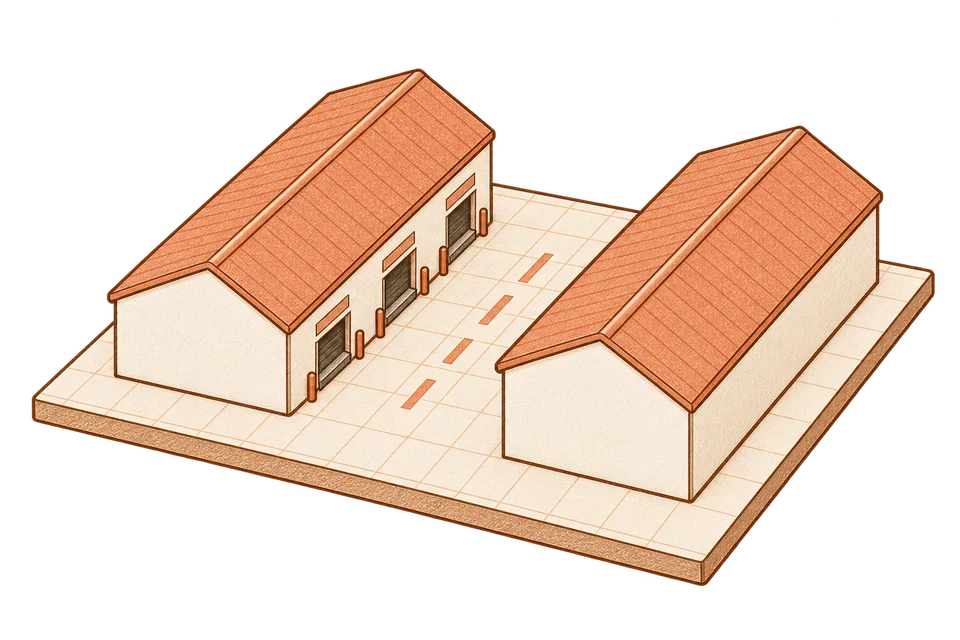

Start with the layout
Review the warehouse model, docks and storage areas. Define the workload and handling resources for the scenarios you want to compare.
Warehouse simulation, by Moonlight Ember.
Compare layouts, dock capacity and equipment under the same workload. Review the results in your browser, then step into the scene in PC VR.
Working platform Web 2D & 3D PC VR
A queue tells you that something is waiting. It doesn’t tell you whether to add a dock, bring in another forklift or move a storage area. Beskio lets you test those changes against the same workload before making a decision.
We developed Beskio as a working platform: warehouse scenario setup and simulation, a browser interface for comparing results and replaying runs in 2D and 3D, and a Unity PC VR experience for spatial review.
A completion count alone cannot explain a bottleneck. Alongside the results, the recorded replay exposes vehicle movement and waiting moments so you can inspect what happened during the run.
The working platform, shown through our Lelystad warehouse demo.
Review the warehouse model, docks and storage areas. Define the workload and handling resources for the scenarios you want to compare.
Test dock capacity, equipment or travel distance under the same workload. Compare wait times, throughput and on-time completion.
Follow trucks, forklifts and pallets through a recorded run. Switch between 2D and 3D to see where queues build up and how tasks progress.
Review the scene at human scale to inspect routes, working areas and equipment. Use the spatial view alongside the scenario results.
In the demo, normal demand finishes on time. Doubling it creates a bottleneck. We then test a nearer storage destination, keeping the same workload, two forklifts and two operators.
That scenario completes eight more orders on time. The comparison and recorded replay make the effect of the change visible.
Watch the comparison in the walkthrough ↑Recorded simulation results with illustrative operating assumptions, not measured client outcomes. A real warehouse study needs validation against its operating data.
Share a plan and the change you want to test. We’ll define the scope and assumptions for a pilot together.
Discuss a pilotThe Lelystad demonstration uses public geometry with an illustrative warehouse interior and operating assumptions. Its results are scenario outputs, not measured client outcomes. The PC VR capture shows a separate active-shift scenario.
The video and cover combine public aerial imagery with Beskio captures. The composition illustrates the move from source material to a study; it is not a surveyed reconstruction of the warehouse interior.